Overview
A targeted fix for a costly repetitive task.
The job was simple but disproportionately time-consuming: open each shop-sale transaction in MYOB and enter the value 6 in its job field. Repeating the same interaction across the full list occupied roughly three hours and created plenty of opportunity for interruption or inconsistent entry.
Replacing MYOB was outside the scope of the problem. The useful solution had to work with the application and process already in place.
01 / Constraints
Automate a visual desktop workflow safely.
The interface did not expose a purpose-built automation path, so the script had to operate through the existing desktop UI. That made predictability more important than sophistication.
- Navigate rows using recorded interface positions.
- Use clipboard checks to confirm the current state.
- Count processed rows and stop at the end of the transaction set.
- Keep the sequence understandable enough to inspect and rerun.
02 / System design
A controlled loop around a stable unit of work.
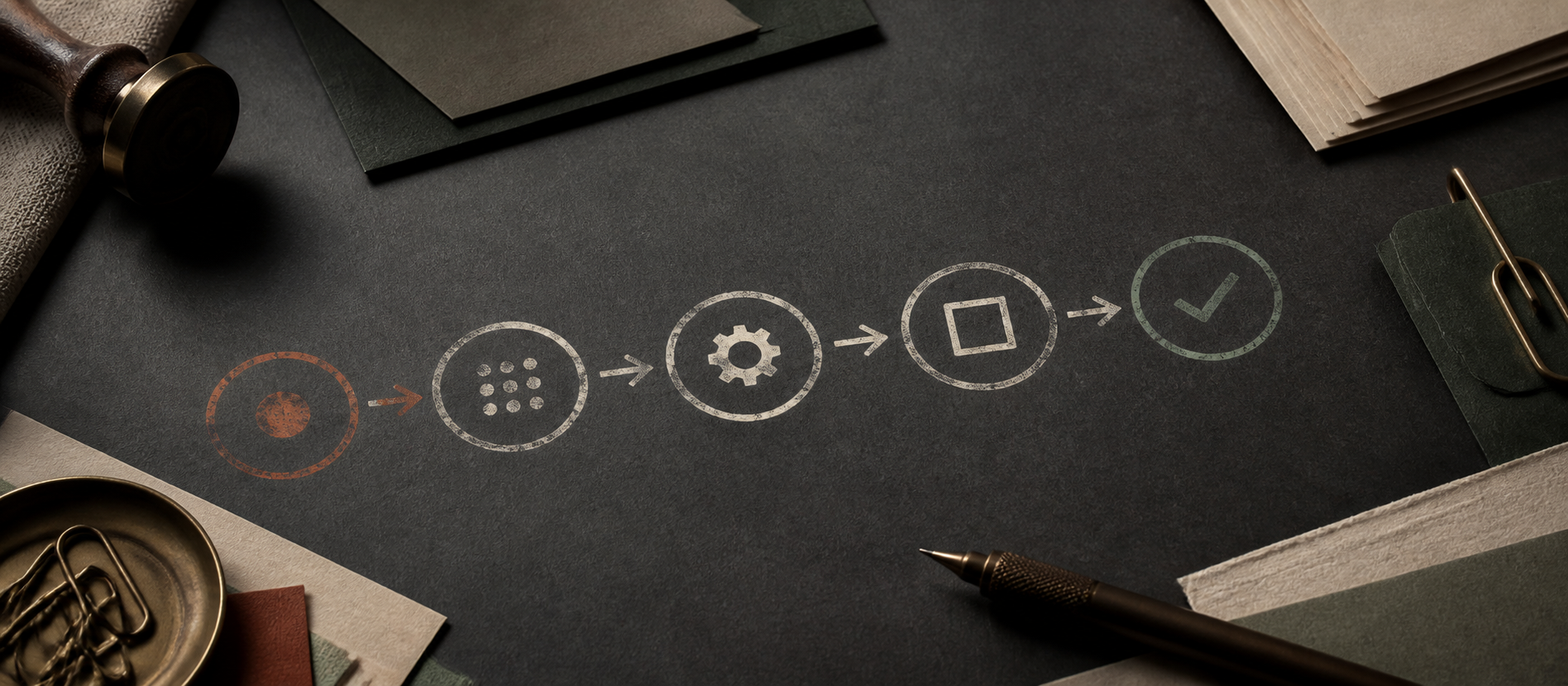
I first mapped one complete transaction from selection to completion. The automation then repeated that known sequence: select a row, inspect its data, open the relevant field, enter the job value, commit the change and advance.
Clipboard checks provided simple state awareness, while row counting prevented the script from becoming an open-ended macro. The design was deliberately narrow: it automated one defined business rule rather than trying to generalise the entire application.
03 / Implementation
Make the common path fast and failures visible.
AutoHotkey was a practical fit because it could coordinate mouse, keyboard and clipboard interactions without requiring changes to MYOB. I separated the repeated actions into a consistent sequence and retained human supervision at the start and end of a run.
The main engineering concern was brittleness. A desktop automation depends on the expected window, layout and starting state, so its operating assumptions needed to remain explicit.
04 / Outcome
A measurable operational improvement.
The completed workflow reduced a roughly three-hour task to under ten minutes. It also removed most of the repeated manual input, allowing attention to move back to work that required judgement.
Calculated from the observed three-hour manual process and sub-ten-minute automated run.
05 / Lessons
Good automation starts with process boundaries.
This project reinforced that valuable software does not need a large interface or a new platform. The important work was understanding the process, defining a reliable unit of repetition and being honest about environmental assumptions.
A future version would replace position-dependent interactions where possible, add structured run logs and expose clearer recovery steps for interrupted runs.